
Resolution, Refresh Rate, and the Numbers That Actually Matter on a TV

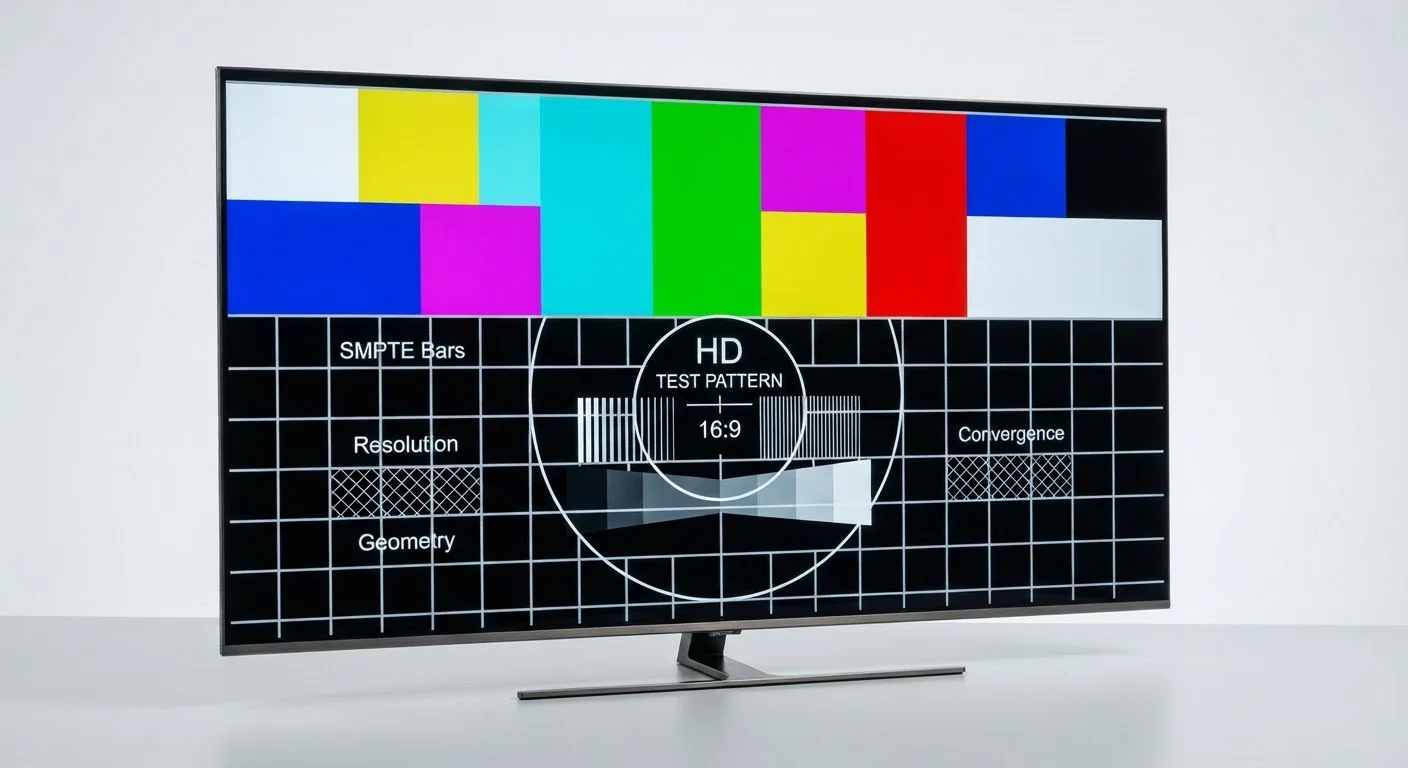
Photo: everyday-trends.com editorial
Key Takeaways
- Resolution matters most at larger screen sizes and closer viewing distances.
- Native refresh rate (60Hz vs. 120Hz) has a real effect on motion clarity; inflated 'effective' rates are often software processing.
- Panel type (OLED, QLED, VA, IPS) affects contrast and color more than resolution alone.
- HDR compatibility is worth checking, but not all HDR labels indicate the same brightness or color performance.
- Viewing distance and room lighting often matter as much as the spec sheet.
Resolution: what the numbers actually tell you
Resolution describes the total number of pixels arranged on the screen, expressed as width by height. A 1080p set has roughly 2 million pixels; a 4K (also labeled 2160p or UHD) set has about 8 million. More pixels means finer detail, but only up to a point your eye can detect from where you sit.
The practical limit depends on screen size and viewing distance. Sitting 8 to 10 feet from a 55-inch screen, most people reach the limit of what human vision resolves at 1080p. On a 65-inch or larger screen at the same distance, 4K adds visible sharpness. On a 32-inch bedroom TV viewed from 6 feet, the difference shrinks considerably.
8K resolution exists but has almost no native content available. At common home screen sizes and distances, it provides no visible improvement over 4K and commands a significant price premium. It is not a practical consideration for most households right now.
Refresh rate: native versus inflated numbers
Refresh rate is how many times per second the TV redraws the image, measured in hertz (Hz). A 60Hz panel redraws 60 times per second; a 120Hz panel redraws 120 times. The difference is most visible during fast motion, such as sports, action films, or gaming.
The confusion starts with manufacturer labels. Terms like "Motion Rate 240," "TruMotion 120," or "Clear Motion" are not the same as native 120Hz. They describe frame-interpolation software that generates extra frames artificially. Some viewers find this creates an overly smooth, soap-opera-like look that makes film content appear unnatural. Others prefer it for sports. The important figure is the native refresh rate, which should be listed in the technical specifications section of a product page, not the headline marketing figure.
Gaming and native refresh rate
For gaming, native 120Hz matters more than in other use cases because consoles and PCs actually send 120 frames per second to the screen. Software-generated motion processing does not help here; it can add input lag instead.
Panel type and contrast: the spec that often matters more
Resolution and refresh rate get most of the marketing attention, but panel technology has a larger effect on perceived picture quality in a typical room. The three main types are OLED, QLED/LCD, and standard LCD (using VA or IPS panels).
OLED panels turn off individual pixels to produce true black, which results in very high contrast ratios. This makes dark scenes in movies look convincingly dark. The trade-off is that OLED sets are generally priced higher and can struggle with reflections in bright rooms.
QLED sets use a quantum dot layer over an LCD backlight. They produce high brightness levels, which helps in well-lit living rooms, but they cannot match OLED contrast in dark environments. Standard VA panels offer good contrast for LCD technology at lower price points; IPS panels sacrifice some contrast for wider viewing angles, which matters if seating is spread across a wide room.
For a family room with mixed lighting conditions, a high-brightness LCD variant is often more practical than OLED. For a dedicated home theater room with controlled lighting, OLED contrast becomes more valuable.
HDR: when it helps and when it does not
HDR (High Dynamic Range) is a format that carries a wider range of brightness and color information in the video signal. When a compatible TV displays it correctly, bright highlights look brighter and shadow detail is preserved. The catch is that the TV panel must be capable of producing enough peak brightness, typically at least 400 to 600 nits, to show HDR content meaningfully.
Many budget TVs carry HDR labels but have peak brightness of 200 to 300 nits. At that level, the TV accepts the HDR signal but tone-maps it down to fit what the panel can actually produce. The result is little or no visible improvement over standard content.
When comparing TVs, look for the peak brightness figure in the technical specs. HDR formats include HDR10, Dolby Vision, and HLG, which differ in how brightness metadata is delivered. Dolby Vision uses dynamic metadata that adjusts scene by scene; HDR10 uses static metadata set for the whole film. Dolby Vision can produce better results when both the content and TV support it, but HDR10 is far more widely available across streaming platforms and discs.
For more on how what you plug into your TV affects the picture, see our comparison of streaming sticks and smart TV apps.
What to look for when you are working with a budget
If screen size is 55 inches or larger, 4K resolution is worth having because content and streaming services now deliver it widely. For smaller screens, 1080p is adequate and frees up budget for a better panel with stronger contrast or brightness.
Prioritize native refresh rate over inflated motion-rate figures. For general TV watching, 60Hz native is acceptable. For sports fans or households with gaming consoles, native 120Hz makes a real difference.
Check peak brightness numbers alongside any HDR badge. A TV with HDR and 500-plus nits will show more benefit than one with HDR and 250 nits.
Panel type should match how the room is used. High-brightness LCD sets handle glare in sunlit rooms; OLED works better in darker, controlled viewing environments.
One related point worth noting: the cable connecting your device to the TV rarely limits picture quality. Expensive HDMI cables do not improve resolution or color compared to standard ones that meet the spec.
Frequently Asked Questions
The content provided on our blog site traverses numerous categories, offering readers valuable and practical information. Readers can use the editorial team’s research and data to gain more insights into their topics of interest. However, they are requested not to treat the articles as conclusive. The website team cannot be held responsible for differences in data or inaccuracies found across other platforms. Please also note that the site might also miss out on various schemes and offers available that the readers may find more beneficial than the ones we cover.