
Smart Home Devices for First-Timers: A Practical Starting Point

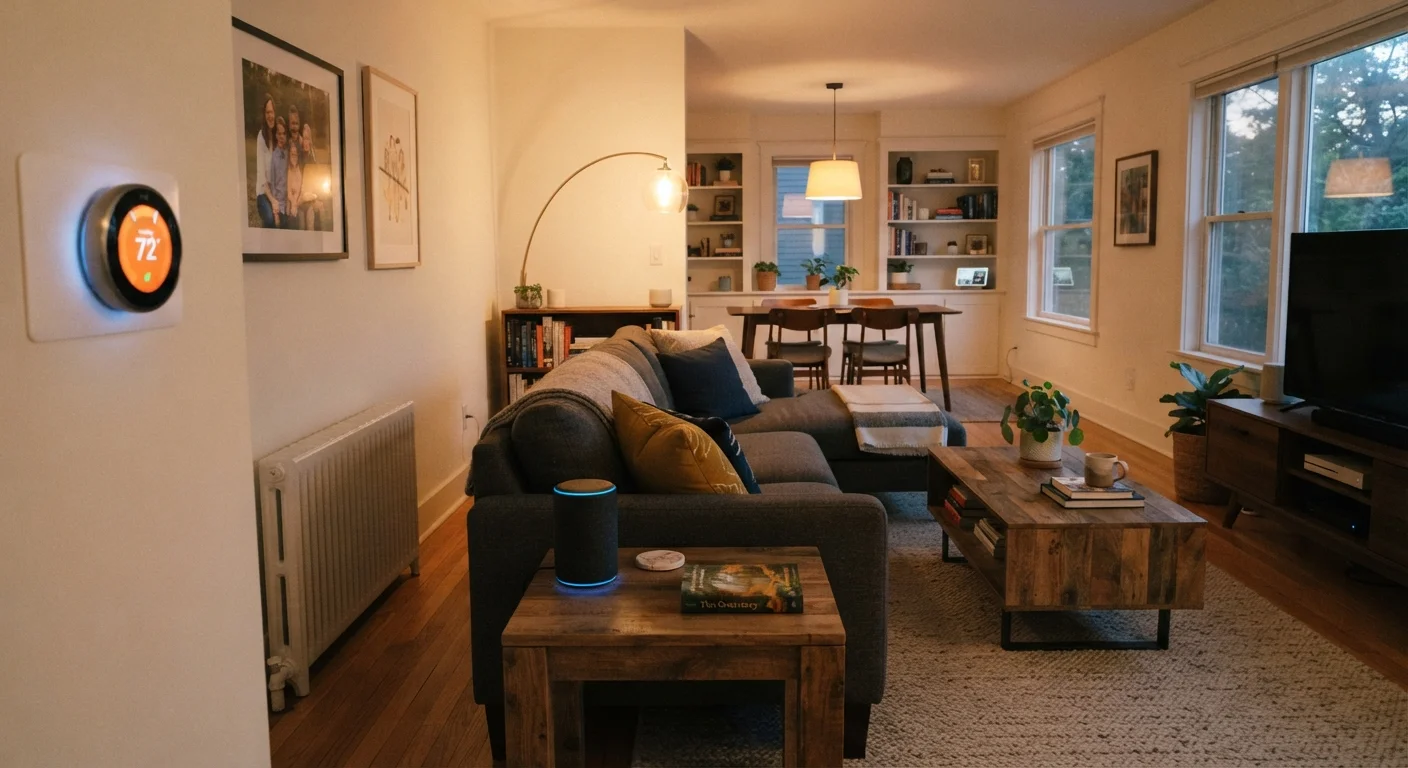
Photo: everyday-trends.com editorial
Key Takeaways
- Smart home devices use your existing Wi-Fi or a separate short-range protocol to receive commands and report status.
- Starting with one or two low-cost devices lets you learn the ecosystem before committing more money.
- Ecosystem compatibility matters: devices from incompatible systems may not work together.
- Changing default passwords and keeping firmware updated are the two most important security steps.
- Total cost includes the device, any required hub, and ongoing app or subscription requirements.
What smart home devices actually are
A smart home device is any household gadget that can connect to a network and be controlled remotely, on a schedule, or through voice commands. That covers a wide range: bulbs, plugs, locks, thermostats, cameras, speakers, and sensors all qualify. The word "smart" just means the device has a small computer inside that accepts digital instructions instead of only responding to a physical switch.
The practical benefit for most families is convenience and, in some cases, modest energy savings. A plug that cuts power to a TV standby mode, a thermostat that drops the temperature while everyone is at school, or a doorbell camera you can check from work are the kinds of uses that fit real household routines.
Wi-Fi
The wireless network in your home that connects devices to the internet through your router. Most smart home devices use it to receive commands and send status updates.
Hub
A central device that connects smart home gadgets using one protocol (like Zigbee) and translates their signals so your phone or voice assistant can control them.
Ecosystem
The collection of apps, voice assistants, and compatible devices a single company or platform supports. Devices within the same ecosystem tend to work together; devices across different ecosystems may not.
Matter
A shared compatibility standard that allows smart home devices from different manufacturers to work together on the same network without requiring separate apps or hubs.
Firmware
The built-in software that runs a device. Manufacturers release firmware updates to fix bugs, patch security issues, and occasionally add features.
Standby power
The small amount of electricity a device consumes while plugged in but not actively in use. Smart plugs can cut standby power to certain appliances by switching them off completely.
How these devices connect and talk to each other
Most consumer smart home devices use one of three connection methods. Wi-Fi connects directly to your home router, which is convenient but adds load to the network and can drain device batteries faster. Zigbee and Z-Wave are short-range protocols that create their own low-power mesh network; they need a hub device to bridge to your phone or internet service, but they tend to be more reliable for devices spread around a larger home. The Matter standard, backed by major tech companies since 2022, aims to let devices from different manufacturers work together over Wi-Fi or Thread (a newer mesh protocol similar to Zigbee).
The connection method affects your buying decision more than the feature list does. A Wi-Fi bulb works immediately with no extra hardware; a Zigbee bulb may need a separate hub that adds to the upfront cost. For a beginner with a small apartment, Wi-Fi devices are usually simpler. For a larger home or someone planning an extensive setup, a hub-based system often becomes more stable over time.
If you already own a streaming device or media player with a built-in smart home hub, check what it supports before buying anything new. Our overview of streaming sticks and smart TVs notes which platforms include home automation features.
Where to start without overspending
The most common beginner mistake is buying a bundle of devices before understanding how the ecosystem works. A single smart plug costs less than most restaurant meals and teaches you everything you need to know: how the app works, how scheduling feels, whether voice control is actually useful in your home, and whether your Wi-Fi reaches the corners you care about.
Smart bulbs are the second entry point most households find useful. They require no wiring changes and work in any standard socket. The main limitation is that the smart features stop working if someone turns off the wall switch, which can create friction in households with multiple people who have different habits.
If your budget is tight this month, it is worth building out a clear plan before spending anything. Our article on budgeting on an irregular income can help you decide how much is reasonable to allocate to home technology in a given month without disrupting other priorities.
Test with one device first
Privacy and security basics
Every networked device in your home is a potential entry point to your network. This is not a reason to avoid smart devices, but it is a reason to treat setup carefully.
Change the default password on any device or hub immediately after setup. Use a password that is not shared with other accounts. Enable automatic firmware updates if the app offers that option, because manufacturers patch security vulnerabilities through those updates. If your router supports a guest network, putting smart home devices on it separates them from computers and phones that hold sensitive data.
For devices with cameras or microphones, such as doorbell cameras or smart speakers, read the privacy policy before purchasing to understand where recordings are stored and for how long. Some devices process audio locally; others send it to cloud servers. Neither arrangement is inherently wrong, but knowing which applies helps you make an informed choice.
Building out over time
After a few weeks with one or two devices, you will have a clearer sense of which automations actually save time and which are more novelty than utility. That experience is the right foundation for deciding what to add next.
Stick to one ecosystem where possible. Adding a second voice assistant or a second hub to manage devices from incompatible platforms creates more complexity than most households want. If you already use one platform and are considering a second, check whether the new device supports Matter, which can allow cross-platform control without maintaining two separate apps.
Used devices are worth considering for simpler categories. A secondhand smart plug or bulb carries little risk if it powers on and connects. For anything security-related, new hardware is generally the safer choice. Our guide to buying electronics secondhand explains which device categories hold up well and which ones to approach with caution.
There is no required pace. A household that settles on two smart plugs and a thermostat and stops there has still made a practical improvement. The goal is a setup that works reliably, fits the budget, and does not require constant troubleshooting.
Frequently Asked Questions
The content provided on our blog site traverses numerous categories, offering readers valuable and practical information. Readers can use the editorial team’s research and data to gain more insights into their topics of interest. However, they are requested not to treat the articles as conclusive. The website team cannot be held responsible for differences in data or inaccuracies found across other platforms. Please also note that the site might also miss out on various schemes and offers available that the readers may find more beneficial than the ones we cover.