
Smartphone Storage Sizes Explained: How Much Do You Really Need?

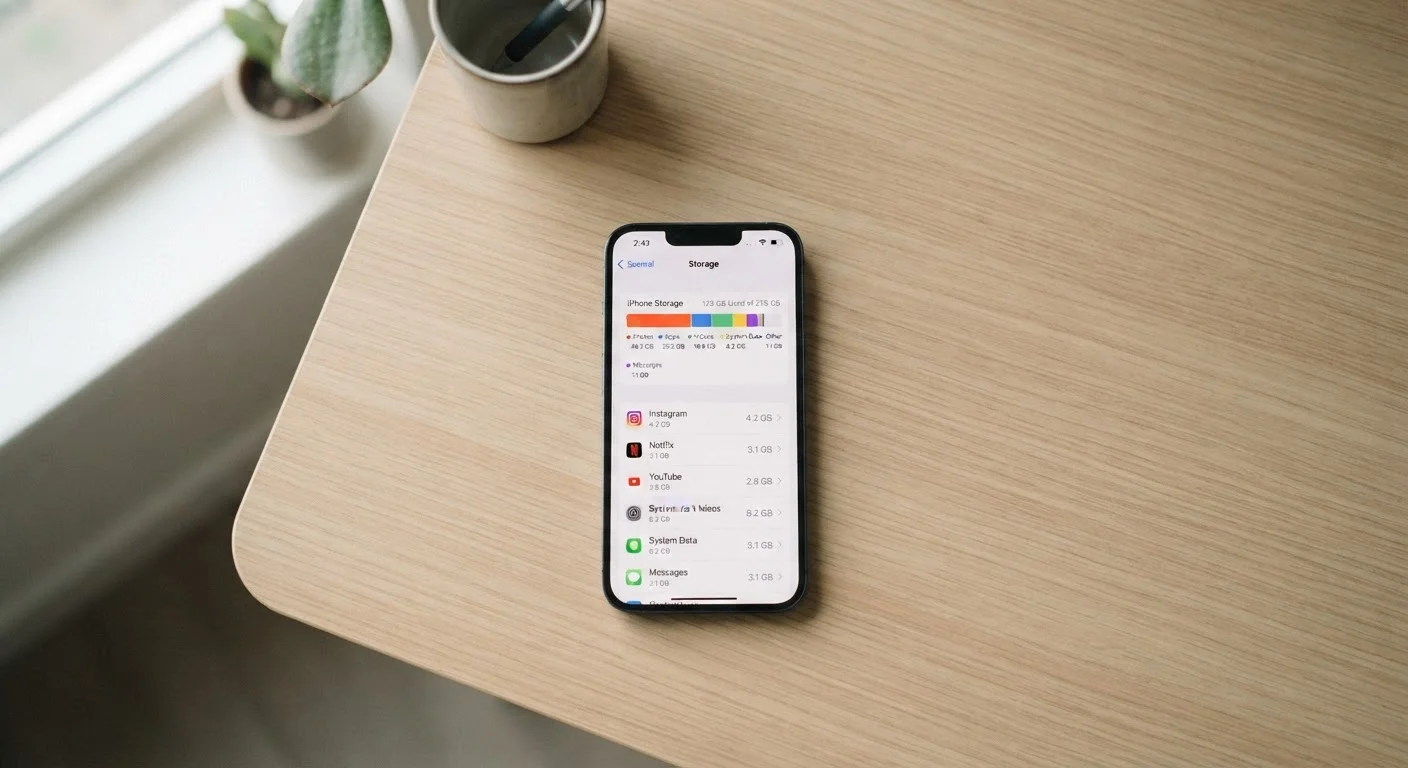
Photo: everyday-trends.com editorial
Key Takeaways
- 64GB is often too tight for families who take many photos or use multiple apps regularly.
- 128GB covers most moderate users without requiring constant file management.
- 256GB or more makes sense if you shoot 4K video, game heavily, or rarely back up to the cloud.
- Cloud storage reduces on-device needs but depends on a reliable internet connection.
- Phones without microSD slots make the initial storage choice more permanent.
- Buying more storage than you need now is rarely the best use of a limited budget.
What storage tiers actually mean in practice
Phone manufacturers sell storage in set increments: 64GB, 128GB, 256GB, and 512GB are the most common. A gigabyte (GB) is a unit of digital storage roughly equivalent to about 1,000 photos taken at standard smartphone resolution. The numbers look straightforward until you consider that the operating system and pre-installed apps claim a portion immediately after you turn the phone on. On many devices, 15GB to 30GB disappears before you install a single personal app.
That gap matters most at the lower end. A phone advertised with 64GB may deliver closer to 40GB of usable space out of the box. For a family sharing one device or a teenager downloading games, that ceiling arrives quickly.
Check usable space before you decide
Matching storage to how you actually use your phone
Usage patterns vary more than marketing materials suggest. A few categories account for the bulk of storage on most phones:
- Photos and videos: The single largest consumer for most users. Families shooting school events, vacations, and everyday moments can accumulate 20GB to 50GB in photos alone within a year.
- Apps and games: Social media apps are modest (under 500MB each), but mobile games can run 2GB to 8GB per title. A handful of games plus streaming apps adds up fast.
- Music and podcasts: Streaming users need minimal local storage here. Offline downloaders can use 5GB to 20GB for music libraries.
- Documents and downloads: PDFs, work files, and cached browser data often claim 2GB to 10GB without the user noticing.
A light user who streams music, takes occasional photos, and uses a dozen apps can get by on 128GB without difficulty. A heavy user shooting 4K video regularly, playing large games offline, or managing a home business from their phone should look at 256GB as a practical floor.
15-30GB
Storage used by OS and pre-installed apps
This baseline consumption is consistent across Android and iOS devices and reduces usable space from the advertised total immediately.
300-600MB
Storage per minute of 4K video
File size varies based on frame rate and codec, but this range reflects typical smartphone 4K recording at standard settings.
128GB
Most common storage tier purchased
128GB has become the default starting point for midrange smartphones across the industry, replacing 64GB as the baseline option.
When to consider 256GB or higher
256GB is no longer a premium tier reserved for power users. It has become a reasonable middle ground for households that want to avoid constant file management. The price gap between 128GB and 256GB at the budget-to-midrange level has narrowed considerably, sometimes to less than $30 at launch.
512GB makes sense in a narrower set of situations: professional content creators, users who travel frequently without reliable internet, or anyone who has filled a 256GB device before. For the average family, 512GB is likely more than they will use in the full lifespan of the phone.
If you are buying a phone that accepts a microSD card, starting at 128GB and adding a card later if needed is a practical budget approach. If the phone has no card slot, it is worth being honest about your habits and considering one step up from your first instinct.
For households already thinking about connected devices at home, understanding storage on your phone also connects to how you manage smart home apps and data. This overview of smart home devices for beginners covers how those apps fit into everyday device use.
Cloud storage as a practical complement
Cloud backup services reduce the pressure on internal storage, but they work best as a complement rather than a replacement. Google Photos, iCloud, and similar services can automatically back up photos and videos, then remove local copies to free space. The trade-off is that accessing those files requires an internet connection.
For families with children in school or users in areas with inconsistent cellular coverage, relying on cloud access for everything introduces real friction. A local copy of important files, frequently used apps, and recently shot media still needs to live on the device itself.
Free cloud tiers are generous enough for light users (Google offers 15GB free across services), but heavy photo and video users will likely need a paid plan. When budgeting for a phone, factor in whether a monthly cloud subscription will be part of the ongoing cost, since that changes the total-cost math on buying a lower-storage device.
Frequently Asked Questions
The content provided on our blog site traverses numerous categories, offering readers valuable and practical information. Readers can use the editorial team’s research and data to gain more insights into their topics of interest. However, they are requested not to treat the articles as conclusive. The website team cannot be held responsible for differences in data or inaccuracies found across other platforms. Please also note that the site might also miss out on various schemes and offers available that the readers may find more beneficial than the ones we cover.