
Understanding Processor Generations: Why the Year a Chip Was Made Matters

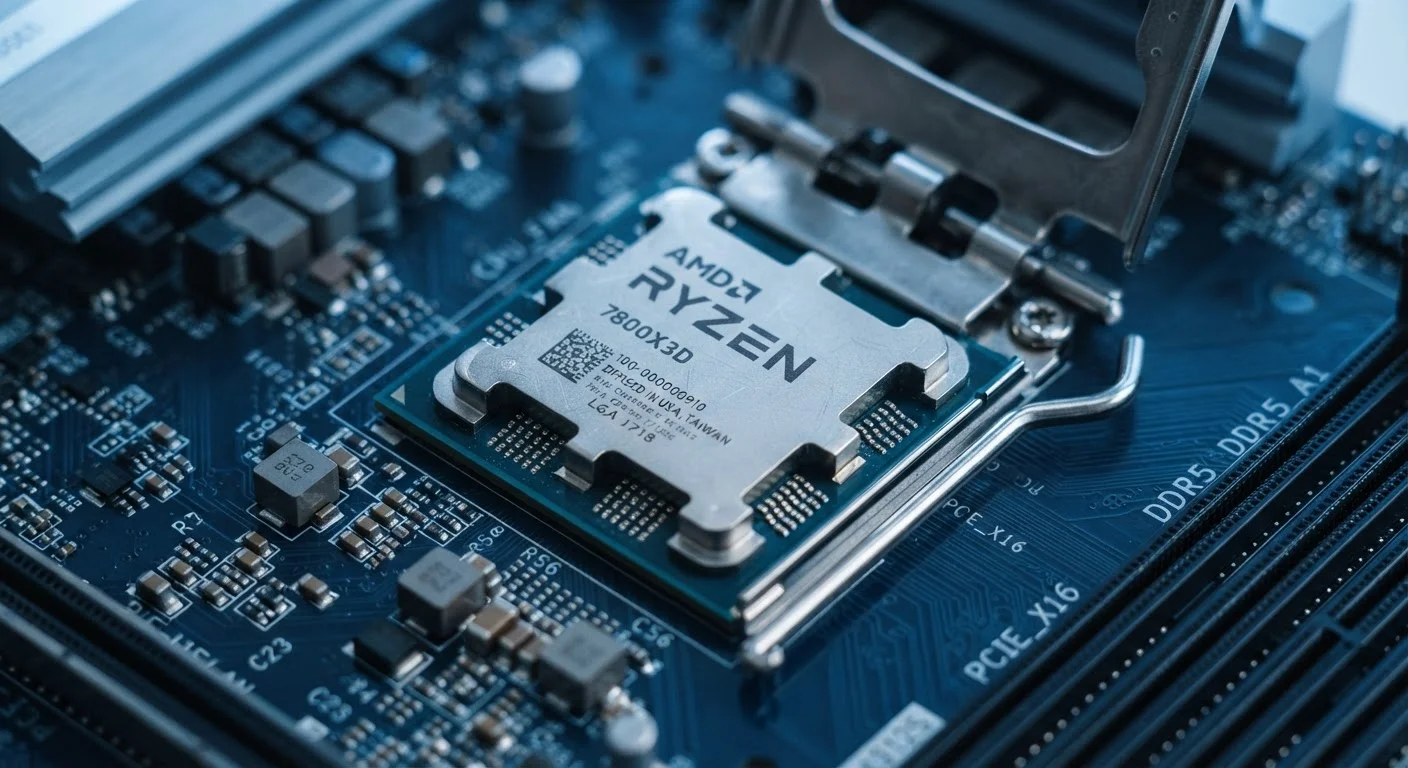
Photo: everyday-trends.com editorial
Key Takeaways
- A chip with more cores is not automatically faster than a newer chip with fewer cores.
- Processor generations affect real-world speed, battery life, and software compatibility.
- Budget buyers can overpay for older hardware that looks impressive on paper.
- Checking the generation number takes under a minute and changes what a spec sheet actually means.
- Software updates and security patches increasingly require newer processor generations.
Why the model number alone does not tell the whole story
A laptop advertised with a "quad-core" processor sounds capable. But two quad-core chips from the same brand can have a wide performance gap if one was designed three or four years before the other. The core count is printed prominently; the generation is usually buried in the model number or missing from the marketing copy entirely.
Chip makers release new generations on a regular cycle, each time refining the internal design. These refinements compound: a chip from a newer generation typically completes each instruction more efficiently, runs cooler, and draws less power than its predecessor at the same clock speed. That means a newer four-core chip can outrun an older six-core chip on many tasks.
For families buying a laptop, tablet, or desktop, this gap has direct consequences. A device purchased at what seems like a fair price may contain a processor that was already a generation or two behind when it left the factory.
Generation naming varies by manufacturer
What actually changes between generations
Each new generation typically brings three categories of improvement.
- Architecture efficiency: Engineers redesign how the chip processes instructions, so each clock cycle accomplishes more. This is called an improvement in instructions per clock (IPC).
- Manufacturing process: Chips are built on progressively smaller scales, measured in nanometers. Smaller transistors switch faster and use less energy, which improves both performance and battery life.
- Feature support: Newer generations add support for current standards, such as faster memory types, newer connectivity protocols, and hardware-accelerated security features.
None of these improvements show up in a core count or clock speed listing. A chip clocked at 2.4 GHz from a recent generation will handle workloads faster than an older chip clocked at 3.0 GHz from two generations back, because it processes each cycle's work more completely.
10-20%
Typical IPC gain per processor generation
Chip makers have historically delivered roughly 10 to 20 percent instructions-per-clock improvement per generation cycle, though this varies by architecture.
30%+
Power efficiency improvement across recent node transitions
Moving from one manufacturing node to the next smaller one has commonly yielded 30 percent or more reduction in power consumption at comparable performance levels.
How generation gaps affect budget buying decisions
The budget segment is where generation gaps do the most financial harm. Retailers and manufacturers sometimes pair older processors with otherwise attractive hardware to keep prices down. The screen, storage, and chassis may all be current, while the chip inside is a design from several years ago.
This matters for longevity. A device built around an older processor generation may lose operating system support sooner, run newer software more slowly, and struggle with video calls or photo editing tasks that were uncommon when the chip was designed.
The practical check is simple: find the full processor model name on the product listing, then look it up on the manufacturer's product page or a chip specification database. That page will show the generation, the manufacturing node, and the release year. Two minutes of research can prevent a purchase that feels outdated within a year.
Software compatibility and security over time
Processor generations affect more than speed. Operating system makers have begun tying compatibility requirements directly to processor generations. Microsoft requires specific processor generations for Windows 11 installation, which means a device running an older chip may be locked out of future OS versions regardless of its other specifications.
Security is a related concern. Hardware-level security features, such as firmware encryption and secure boot support, have improved with each generation. Older chips may lack these features entirely or implement weaker versions of them. As software increasingly relies on these capabilities, older-generation hardware becomes harder to keep secure.
For a family device that will handle school accounts, financial apps, or stored passwords, the security trajectory of the processor generation is worth weighing alongside price.
Quick way to check any processor generation
Frequently Asked Questions
The content provided on our blog site traverses numerous categories, offering readers valuable and practical information. Readers can use the editorial team’s research and data to gain more insights into their topics of interest. However, they are requested not to treat the articles as conclusive. The website team cannot be held responsible for differences in data or inaccuracies found across other platforms. Please also note that the site might also miss out on various schemes and offers available that the readers may find more beneficial than the ones we cover.